
Your coaching, on your phone.
Training, nutrition, progress and messaging — all connected.
Already a client? Open Beckford Moves and add it to your Home Screen for quick access.
Add it to your Home Screen for quick access.
Beckford Moves opens full screen from its own icon, just like your other apps. The steps take about a minute.
- Open Beckford Moves in Safari.
- Tap the Share button.
- Tap “Add to Home Screen.”
- Tap “Add.”
- Open Beckford Moves from your Home Screen and sign in.
On a computer, Beckford Moves works in your browser at the same address. Nothing to install.
Get started
Seven short steps, in the order the app expects them.
STEP 1
Complete your profile
Add the information Beckford Moves needs for your coaching plan.
STEP 2
Set your baseline
Use the built-in calculator to establish your starting nutrition, activity and training targets.
STEP 3
Open Today
See your workout and priorities for the day.
STEP 4
Follow your program
See your training plan and upcoming workouts.
STEP 5
Log your nutrition
Log hand portions, photograph a meal, choose a photo you already took, or scan a barcode.
STEP 6
Track your progress
Log workouts, weigh-ins and weekly check-ins.
STEP 7
Message Sean
Ask questions and get coaching directly in the app.
Five places, one app
The bar at the bottom of every screen.
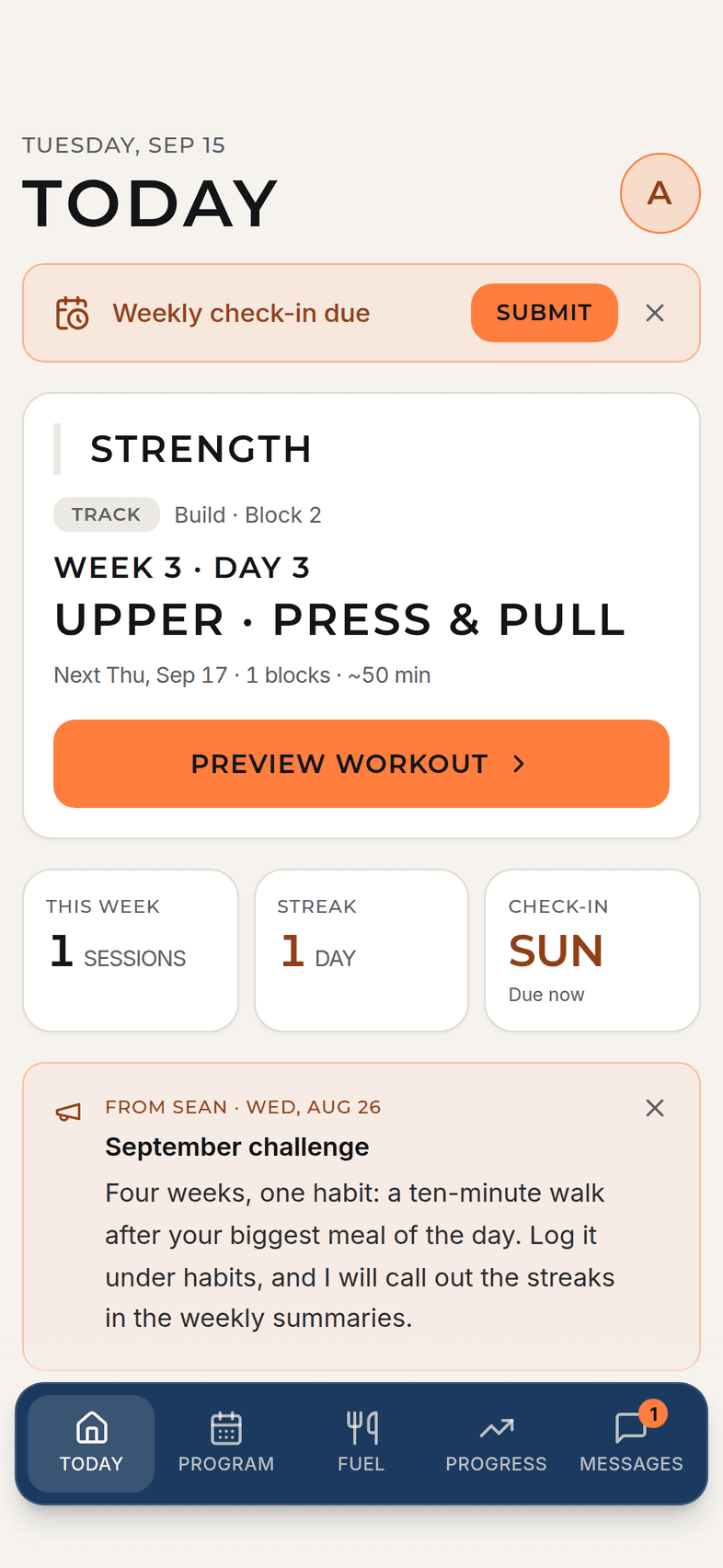
Today
Your workout and priorities for today.
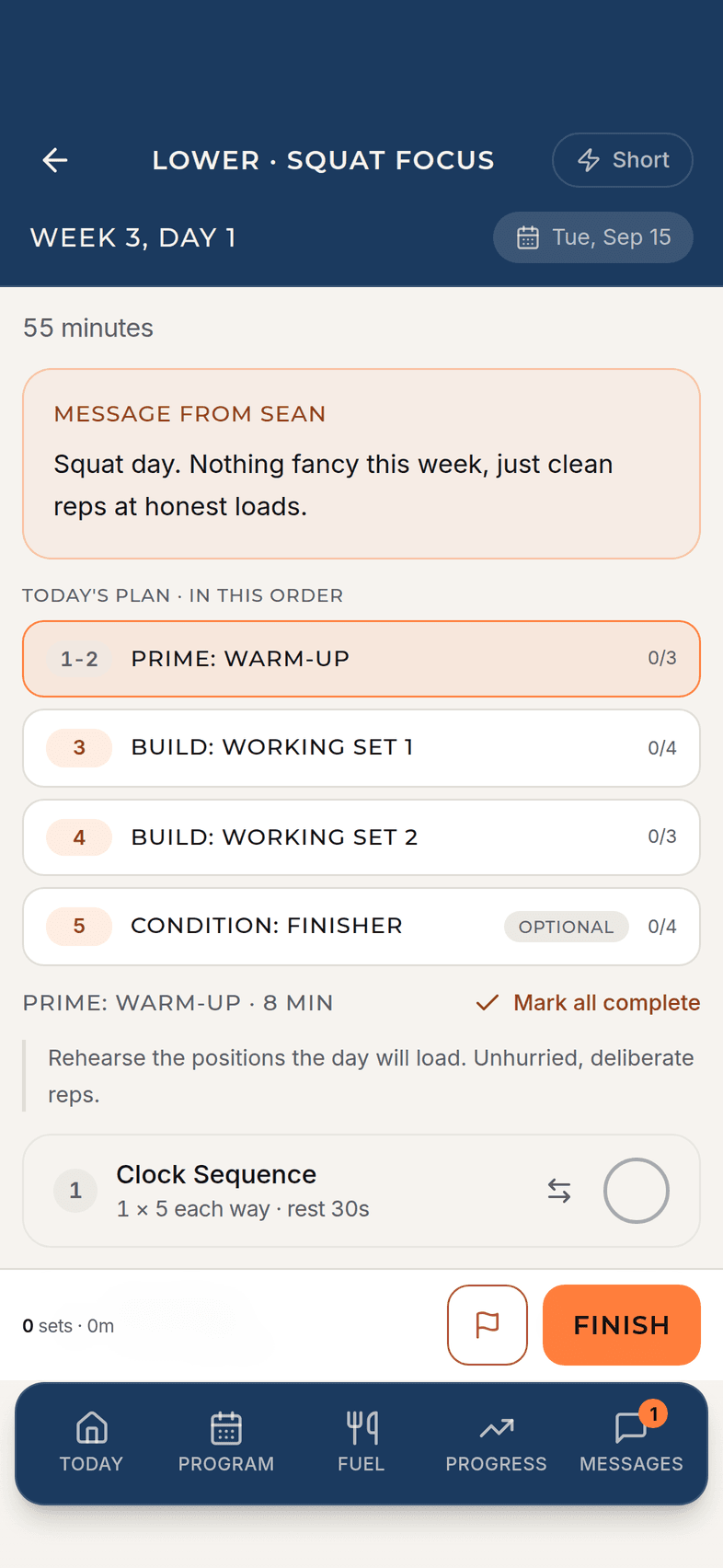
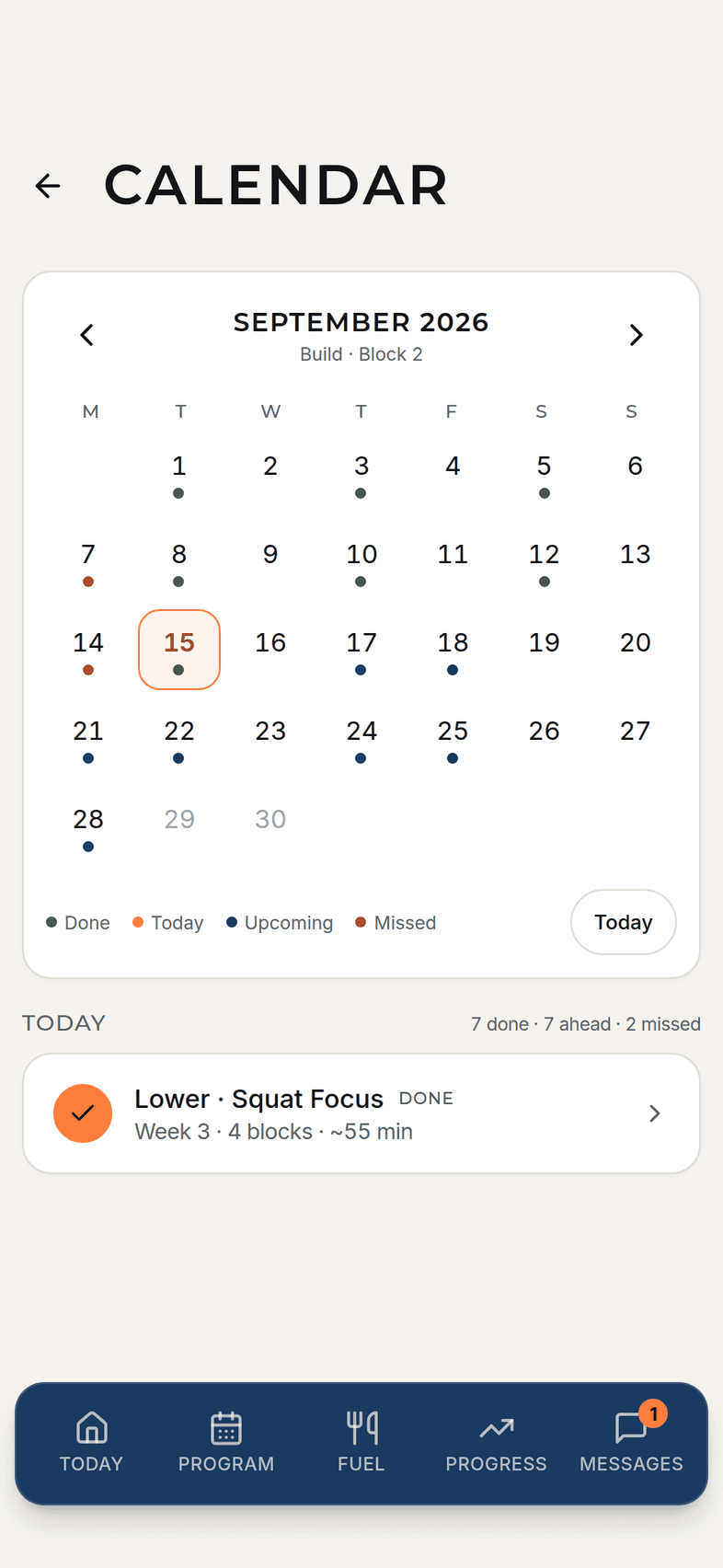
Program
Your training plan and calendar.
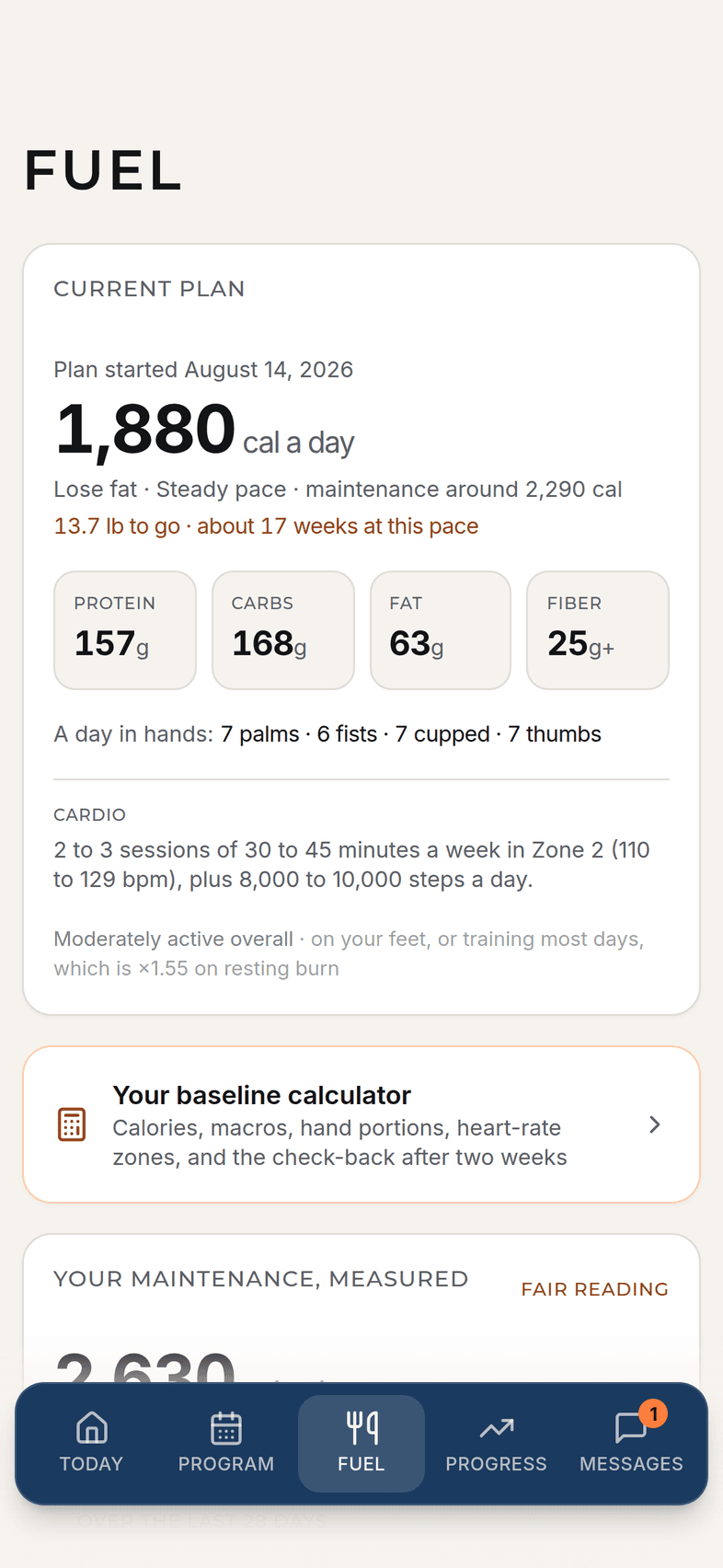
Fuel
Nutrition targets and logging.
Progress
Your trends, check-ins and progress.
Messages
Direct coaching with Sean.
Who can use the app
Beckford Moves app access is included with eligible Beckford Moves coaching and requires a client account or invite. Adding the app to your phone does not create an account or sign you up for coaching.